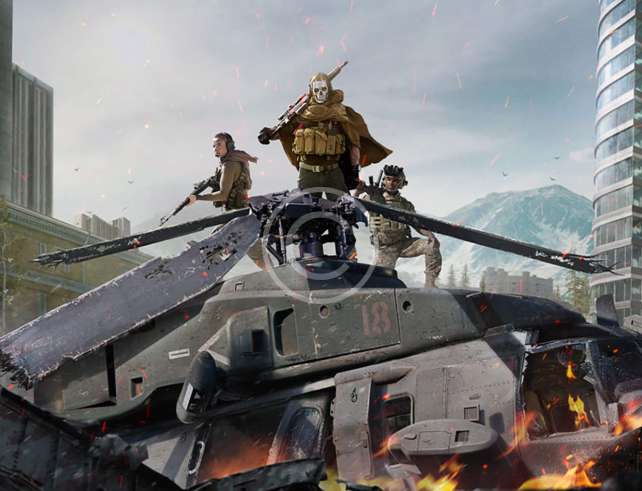

Every game starts with an idea. Whether you envision a puzzle adventure, a fast-paced shooter, or a narrative driven experience the journey of creating your own game combines creativity, planning, and technical skills. In this article we cover essential steps, key tools, design tips, challenges, and how to bring your own game to life.
From Concept to Design
First you need a concept. What is the core vision of your game? Define the genre, setting, mechanics, and story. During this phase sketch out how players interact, what goals they will pursue, and what challenges they face. Because strong design starts early you should also think about what platform you target, for example PC, console, mobile, or VR. Knowing the audience helps shape design decisions, art style, control scheme, and monetization strategies.
Once concept is clear you move into design documentation. Write a game design document (GDD) that outlines gameplay mechanics, level layouts, character designs, art style references, sound design ideas, and user interface plans. Also map out progression systems, rewards, difficulty scaling, and user feedback. By doing this you ensure that you have a roadmap to refer back to during development. Moreover you reduce confusion and scope creep.
Essential Tools for Game Development
You will need tools that match your goals and capacities. For starters you might choose a game engine such as Unity, Unreal Engine, Godot or GameMaker. These engines provide rendering, physics, asset management, scripting support, and sometimes visual tools for level building. Next you need art tools for creating assets—2D and 3D modeling software, texture editors, and perhaps animation tools. Sound tools matter too: audio editing software, sound libraries, or music production tools will help build atmosphere.
Version control is also vital. Tools like Git or SVN keep your project files organized, help you track changes, revert mistakes, and collaborate if you work with a team. Prototyping tools let you test small parts of the game—mechanics, controls, level flow—before you invest heavily. Prototyping early often reveals what works and what needs refining.
Prototyping, Testing, and Iteration
After you have basic assets and mechanics working you should build a prototype. It does not need polish but must show core gameplay loops: what players do repeatedly, how controls feel, how feedback works (visual or audio). Then test it yourself and with users. Gather feedback about usability, fun factor, pacing, and challenge. Because iteration is key you will likely change mechanics, adjust difficulty, tweak controls, or even revise your core vision based on testing.
Moreover frequent testing helps catch bugs early, discover performance bottlenecks, and ensure that controls feel intuitive across devices. For mobile games or VR in particular optimizing performance matters much more because hardware may be limited. Through iteration your game becomes smoother, more engaging, and more polished.
Art, Sound, and User Experience
Beyond mechanics visual style plays a large role in how players perceive your game. Choose an art style that matches atmosphere: minimalist, stylized, realistic, cartoonish or pixel art. Consistency is essential so all assets—from characters to environment to UI—feel like they belong together. Sound design complements visuals: music, sound effects, ambient noise, and feedback sounds (for correct actions or errors) shape immersion deeply.
User experience includes intuitive menu design, readable text, clear instructions, smooth tutorial, good control feedback, and responsive interface. Also accessibility features such as color contrast, controller remapping, subtitles, or options for motion sickness help widen your audience.
Launch, Marketing, and Post-Release Support
Creating your own game does not end at launch. You need marketing to ensure people discover your game. Build a presence on social media, create a website or blog, share preview screenshots or gameplay videos, reach out to press or streamers, use platform stores properly. A trailer often helps. Early access or demo versions can build interest and allow feedback before full release.
After release you must support the game. Fix bugs, balance gameplay, perhaps release updates or extra content. Player feedback continues to matter. Good support and active community involvement can raise reviews, increase word of mouth, and help your game succeed long term.
Challenges and How to Overcome Them
Budget and time constraints often hamper indie developers. To address this plan realistic scope. Begin with a minimal viable product that captures core experience rather than too many features. Time management and task prioritization help too. Also technical issues such as performance, device compatibility, or platform requirements often arise so testing on target platforms early helps.
Another challenge involves creative burnout. Game development is demanding. Therefore build in rest periods, feedback loops, and milestones to maintain motivation. Collaborating or building a small team can distribute load. Finally competition is high in game stores, so standing out often requires uniqueness in art, narrative, mechanics, or marketing angle.